01HYGIENE
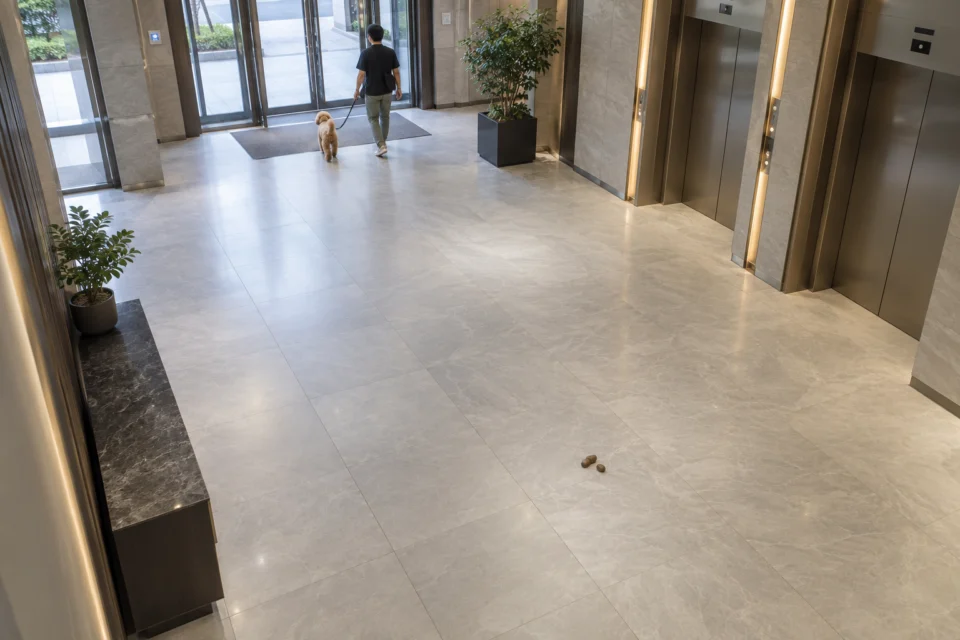
Suspected pet waste
Help identify suspected pet waste visible on the floor and save the triggering frame so property managers can locate the area and arrange a response.
Connect existing building CCTV or NVR views to Petscast Analysis Model for property management companies. Monitor pet activity, suspected waste and visible urine puddles in shared areas, save event frames and camera details, and help managers coordinate staff and follow up on events.
Illustrative interface · detection scope depends on site testing and configuration
Petscast Analysis Model flags suspected events from configured camera views, helping property management companies monitor pet activity and hygiene. Managers can arrange site checks, cleaning or other follow-up and record progress through their normal workflow.
Help identify suspected pet waste visible on the floor and save the triggering frame so property managers can locate the area and arrange a response.
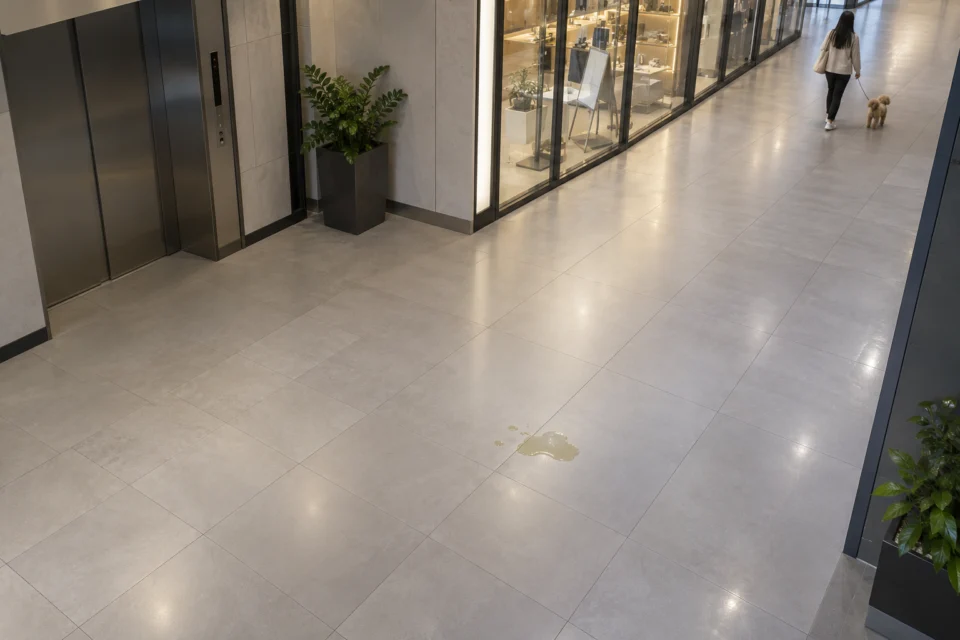
Flag visible floor pooling or suspected urine so property managers can check the area and assign appropriate staff.
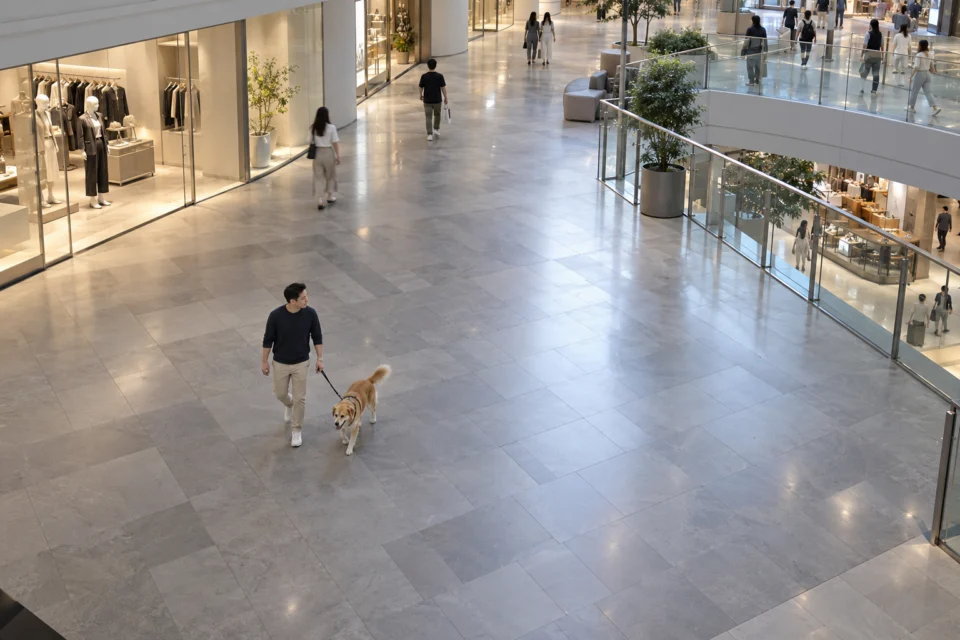
Set monitoring priorities for each camera scene to help identify pet activity and situations that may need attention.
Streaming, analysis frequency and alert routing are configured around each property’s network, camera conditions and operating process.
Assess the network stream and access available from the NVR or CCTV system.
Check configured views at an agreed frequency for suspected conditions.
Record the property, area, camera and time with the triggering frame.
Send the event to the property management company so managers can assign the appropriate team and update its status through the site workflow.
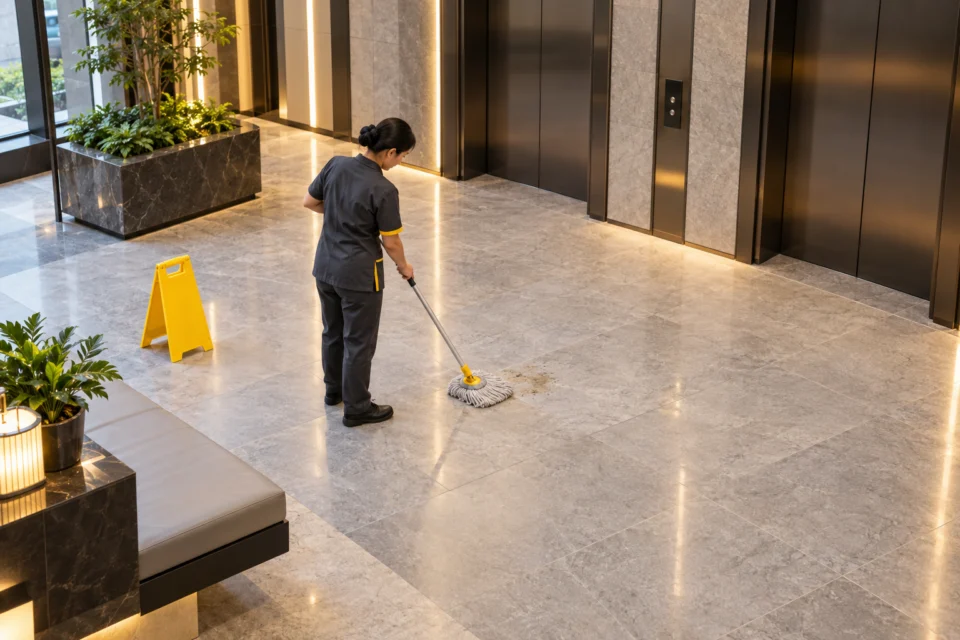
Send the event frame, camera, area and time to the property management company so managers can locate the area, coordinate staff, and arrange cleaning or other follow-up as needed.
Start with shared areas used by residents and pets, then expand based on the camera views and pilot results.
Pet-friendly corridors, entrances, lobbies, lift lobbies and designated pet relief areas.
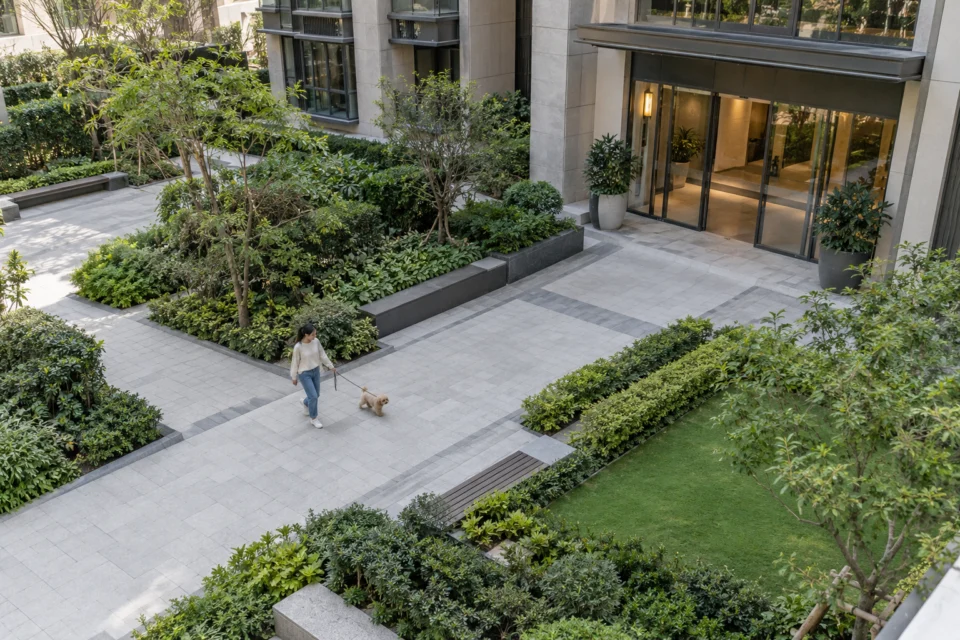
Residential lobbies, common corridors, lift lobbies, gardens and pet areas.
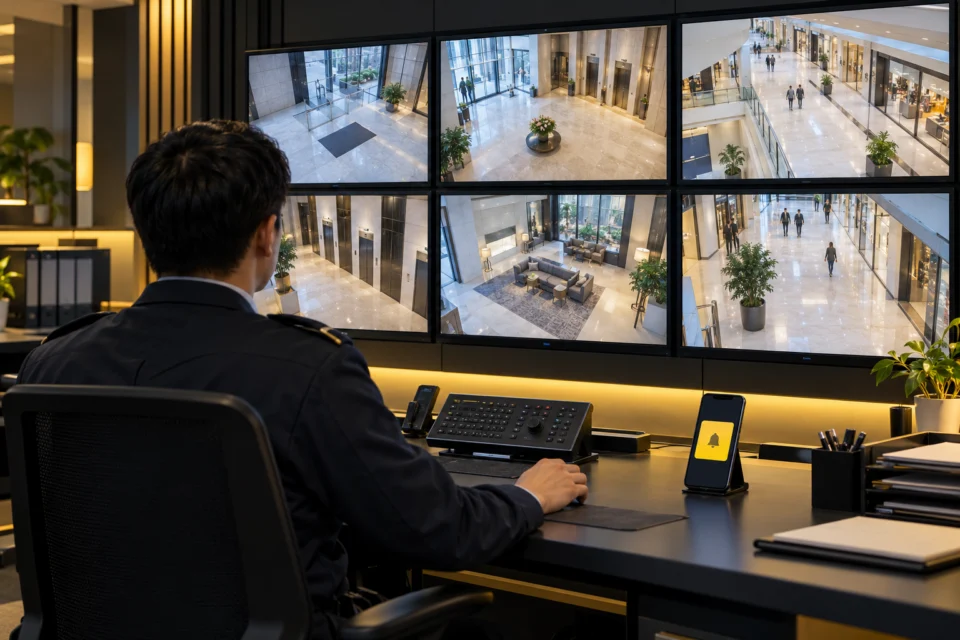
Mounting height, camera angle, image clarity, lighting and network conditions all affect what is visible. We start by reviewing the camera list and NVR streams, then test representative locations to agree detection areas, checking frequency and alert workflow.
Pilot a small group of cameras first, confirm the views and workflow, then plan wider coverage.
Not necessarily. If the NVR or cameras provide a compatible network stream, we can assess using the existing system. Compatibility depends on device models, permissions and network settings.
A pilot can focus on suspected pet waste on the floor, visible urine puddles and scene-specific pet activity or potential incidents. Visibility depends on camera angle, lighting and image quality.
Depending on the setup, an event can include its frame, property or area, camera and time, then be routed to designated staff at the property management company to coordinate a response. Alert channels depend on the integration.
Yes. Settings can be configured and tuned in phases to suit each property’s cameras, shared areas and management process.
Tell us about your site and management needs so we can explore the right system configuration together.
Contact on WhatsApp Phone: +852 4461 9758